
Google Play marketing asset
Google Play feature graphic size (1024×500)
The Google Play feature graphic is 1024×500 pixels, uploaded in the Google Play Console.
- Pixels
- 1024 × 500
- Store slot
- Feature graphic
- Requirement
- Required. Required to publish a Google Play listing — Play also uses it in promotional placements.
- Files per slot
- One file.
- Size rule
- Required at exactly these pixels — the store publishes one size for this placement.
- File format
- JPEG or 24-bit PNG
- Alpha channel
- Google Play needs 24-bit PNG or JPEG — an alpha channel is rejected.
- Where it uploads
- Upload in Play Console → Main store listing → Feature graphic
- ScreenCraft canvas
- Play feature graphic
Official specification: Google Play Console — Feature graphic requirements.
Where the graphic appears, the 924 × 400 px safe zone and the play-button blind spot are covered in the Google Play feature graphic guide.
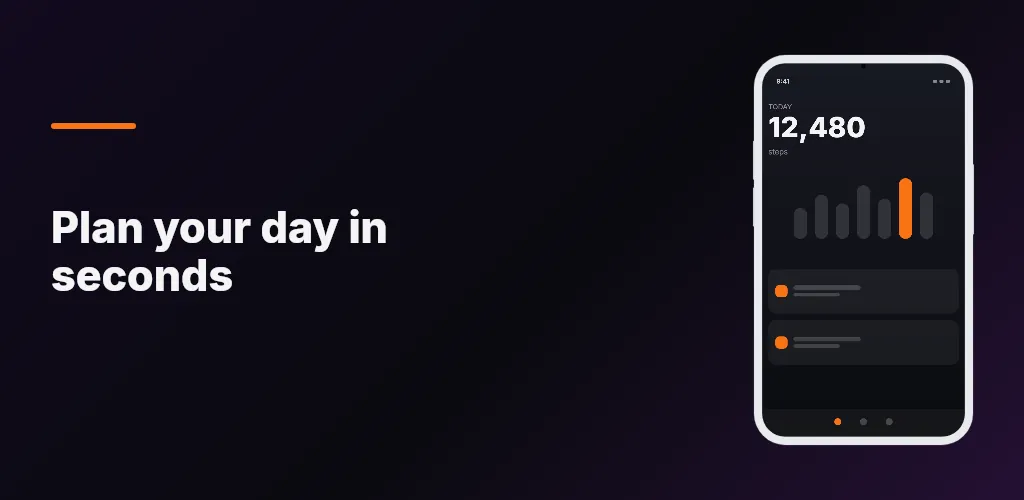
How ScreenCraft designs this size
The canvas is the Play feature graphic at 1024 × 500 pixels — the export size itself, so the layout you approve is the layout the store receives. Headlines are measured against their own box before anything exports, and a translated line that no longer fits is shrunk to the legibility floor instead of being clipped at the edge.
Export it from the editor and upload it in the Google Play Console under Feature graphic. A marketing-asset project is separate from your screenshot project, so this canvas never takes a screenshot slot.
Related Google Play sizes
Design this size in ScreenCraft
Start on the Play feature graphic canvas, lay out your screens once, and export Google Play sizes — including this one — as a ZIP.
Try ScreenCraft free