ScreenCraftScreenCraft
ProductTemplatesPricingFAQCompareBlog
Try editorSign inStart free
Product
Templates
Pricing
FAQ
Compare
Blog
Appearance
Start freeSign inTry editor
Beautiful Design
Made with love
Dark & Elegant
Night mode
Stand Out
Bold & vibrant
Fresh Ideas
Clean & modern
App Store screenshot designer

Stop Localizing Screenshots
By Hand

Generate screenshots for every device size, every language — in minutes, not days. No more manually resizing for 24 device sizes. No more copy-pasting text across 35 locales. Upload once, localize, wrap in 3D & clay device frames, and export spec-compliant files.

Never localize screenshots by hand again
Try editor free
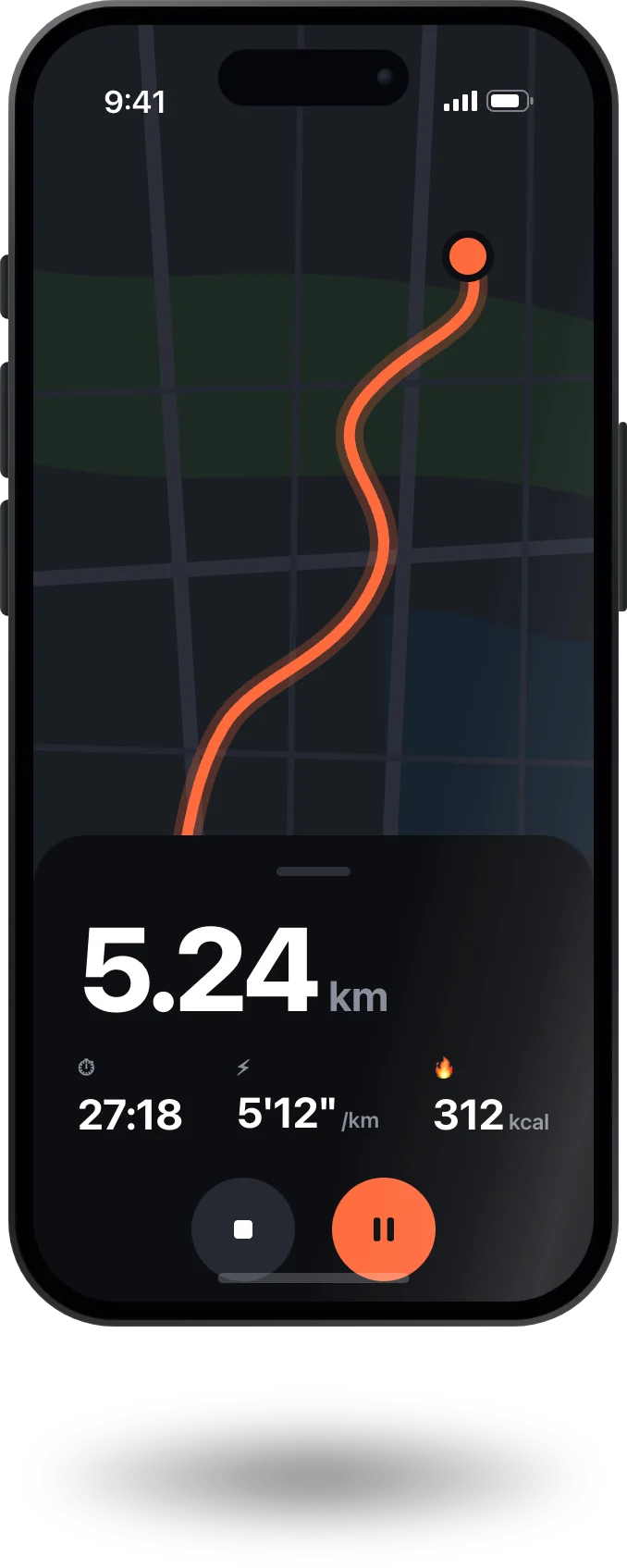
Track Fitness
Your journey
App Store
Smart Wallet
Finance app
App Store
Photo Edit Pro
Creative tool
App Store
Meal Planner
Eat healthy
App Store
Task Board
Stay focused
App Store
screencraft.app/editor
Export
0+
Screenshots Created
0
Downloads Generated
0
Apps Served
App Store
Google Play
Spec compliance

Never get rejected for screenshot sizes again

One developer got rejected for “inaccurate metadata” because their iPad screenshots were just scaled iPhone images. Manual resizing for every device is tedious and risky. ScreenCraft auto-generates spec-compliant files with 3D & clay device frames for every iPhone, iPad, and Android device — so you pass review the first time.

Try it free
Templates

Start With a Template

Choose from professionally designed templates for App Store and Google Play. Each one is ready to customize and export.

Night Shift
Deep & focused
Midnight
Grow Fast
Fresh & clean
Emerald
Warm Vibes
Bold energy
Sunset
Soft Touch
Gentle feel
Pastel
Clean Design
Less is more
Minimal
Glow Your Way
Neon vibes
Neon
Browse templates
Workflow

From App to 35 Locales, Upload Ready

Four steps to replace a week of manual locale work. No Figma duplicating, no file renaming, no guessing at spec sizes.

1

Upload app info

Import your app name, icon, and screenshots. Bulk upload supported.

2

Pick a template

Choose from 150+ templates with 3D & clay device frames — not generic stock stuff.

3

Customize & localize

Edit text, colors, backgrounds, and layout. Translate to 35+ languages in one click.

4

Export all locales

Download spec-compliant files for every device & locale in one ZIP — 840 images, 5 minutes.

Try it now
screencraft.app/editor
Drop screenshots here
or click to browse
Choose Template
Export All Sizes
Integrations

One Design. Both Stores. 35+ Languages.

Stop designing App Store screenshots and Play Store screenshots separately. One template exports for every required size and every locale — iOS and Android. No more manually downloading and re-uploading files for every language.

Direct upload to App Store Connect for all 35 locales
Direct upload to Google Play Console for all locales
Apple-compliant sizing — zero rejection risk for wrong dimensions
App Store Connect
Connected
Active
6.9″
6.7″
iPad
Google Play Console
Connected
Active
Phone
Tablet 7″
Tablet 10″
Device Frames & Customize

3D & Clay Device Frames That Stand Out

Full creative control over every pixel. 3D & clay device frames, gradients, text, shapes — free tools make you hand-draw every frame. ScreenCraft renders them automatically, spec-compliant for every store.

App Store
Track Fitness
ASO friendly
Smart Wallet
Localized
Photo Edit Pro
High conversion
Task Board
Dark mode
Google Play
Meal Planner
Clean design
Elegance
Premium
Night Shift
Professional
Dive Deeper
Bold
Start customizing
Localization

10 screenshots × 15 languages × 3 devices = 450 images. Or just 1 click.

Developers localized app store screenshots by hand for years — going through every language manually, saving a new file for each one. ScreenCraft translates your text, renders every locale, and exports App Store-ready ZIPs — one click, all 35+ languages. Change a headline once and it propagates everywhere, so A/B testing across locales takes minutes instead of weeks.

Go global in minutes
🇺🇸English
🇪🇸Spanish
🇫🇷French
🇩🇪German
🇯🇵Japanese
🇰🇷Korean
🇨🇳Chinese (Simplified)
🇹🇼Chinese (Traditional)
🇧🇷Portuguese
🇮🇹Italian
🇳🇱Dutch
🇷🇺Russian
🇸🇦Arabic
🇮🇳Hindi
🇹🇭Thai
🇻🇳Vietnamese
🇮🇩Indonesian
🇹🇷Turkish
🇵🇱Polish
🇸🇪Swedish
+ 61 more locales
ASO

A/B Test Across All 35 Locales

Better screenshots lead to higher conversion rates and more downloads. Change a headline once and it propagates across all 35 locales instantly. Iterative A/B testing that used to take weeks of manual Figma duplication now takes minutes.

35%
Avg. conversion boost
2.4x
More downloads
Improve my conversions
Your App Here
Professional screenshots that convert
4.9 Rating
Compare

ScreenCraft vs the alternatives

Stop localizing screenshots by hand, fighting fastlane for days, or paying $150+ for limited tools. Here's how ScreenCraft compares to every workflow developers actually use.

ScreenCraftYouFastlanePopular AlternativeManual (Figma/PS)
Visual drag-and-drop editor✓✗✓✓
35+ locale localization✓✗ (manual config)✓ (limited)✗ (manual)
Auto-translation✓✗✗✗
Batch multi-locale ZIP export✓✗✓✗
3D & clay device frames✓✓ (FrameIt, limited)✓✗ (manual)
All device sizes (24 formats)✓✓ (slow)✓✗ (manual resize)
Spec-compliant sizing (no rejections)✓✓ (device-specific)⚠ (reported rejections)⚠ (no validation)
iOS + Android from one project✓✗ (separate runs)✓✗ (separate files)
No command line required✓✗ (Ruby + Xcode)✓✓
Direct store upload✓✓ (Deliver)✓✗
A/B test across locales✓✗✗✗
Time to export 30 locales × 10 screenshots~5 minutes1–3 days~30 minutes1–2 weeks
Pricing$4.99/mo ProFree (setup cost: hours)$150+ lifetimeFree (labor: weeks)

Stop localizing by hand — start free

Generate screenshots for every device size, every language — in minutes, not days. No credit card required.

Start free
Social proof

Developers stopped localizing screenshots by hand — here's how

“I used to spend half a day in Figma copying artboards for every device size — then doing it all again for 35 locales. Now I upload once and ScreenCraft gives me all 840 images in one ZIP. The per-device layout memory is a game changer.”

RA
Rizky A.
iOS developer, Jakarta

“Clean, no-nonsense tool. The free plan let me test the export flow for a single locale, but I upgraded the same day when I realized I could localize to 35 languages in 5 minutes instead of a full week.”

MT
Marcus T.
Indie Android developer

“The templates are actually good — not generic stock stuff. Loaded one, swapped in my screenshots and brand colors with the 3D device frame, exported 110 images in one click. Done.”

SK
Sarah K.
App Studio founder

“A/B testing across locales used to mean duplicating my Figma file for every language, then manually swapping text. Now I change a headline once and it propagates everywhere. Iteration that took weeks now takes minutes.”

DL
David L.
Flutter developer

“Submitted to the App Store on a Friday. Screenshots passed review without any size issues — the auto-generated device frames and spec-compliant exports are exactly what Apple requires. No guesswork.”

PM
Priya M.
Solo app developer

“The undo history, snap guides, and multi-element select make it feel like a proper design tool. Not just a template filler. And exporting 35 locale variants in a single ZIP? That alone is worth the upgrade.”

JW
James W.
Product designer
Pricing

Simple, Transparent Pricing

Start free. Upgrade when you need more — unlimited locales, unlimited exports, all device sizes. No credit card required. Cancel any time.

Free

Free
  • 3 projects
  • 10 screens per project
  • 1 export size
  • 5 exports/day
  • 20 templates
  • Watermarked exports
  • 3 locales
  • Single-locale export only
Get Started Free

Pro

$4.99/month
  • Unlimited projects
  • Unlimited screens
  • 35+ locales
  • All export sizes
  • Unlimited exports
  • All templates
  • HD export — no watermark
  • Unlimited AI captions
  • Batch multi-locale ZIP download
  • Instant exports
  • Direct store upload
Upgrade Now

Cancel any time · No hidden fees

Best Value

Pro

$49/yearSave 17%

($4.08/mo billed annually)

  • Unlimited projects
  • Unlimited screens
  • 35+ locales
  • All export sizes
  • Unlimited exports
  • All templates
  • HD export — no watermark
  • Unlimited AI captions
  • Batch multi-locale ZIP download
  • Instant exports
  • Direct store upload
Upgrade Now

Cancel any time · No hidden fees

Secure payment via Xendit256-bit SSL encryptedNo lock-in — cancel any time
FAQ

Frequently Asked Questions

Everything you need to know about ScreenCraft. Can't find your answer? Reach out to our support team.

An app store screenshot generator helps you create professionally designed screenshots for your app listing, then export them in the exact sizes required by the Apple App Store and Google Play Store. ScreenCraft goes further — design once and localize to 35+ locales in 5 min, so you never have to manually duplicate screenshots for every language.
ScreenCraft supports all official screenshot sizes for the Apple App Store (iPhone & iPad) and Google Play Store (phones & tablets), covering 24 device formats. Plus 35+ locales for global distribution — all from a single project.
Yes. Each device size stores its own independent layout, so you can tweak per-device without rebuilding. When you export, you get pixel-perfect files for every target size — no scaling hacks that get you rejected for "inaccurate metadata".
Fastlane Snapshot automates screenshots but requires Ruby scripts, Xcode setups, and takes days for 30 languages. FrameIt adds device frames but with limited design options. ScreenCraft is a visual editor — no command line, no multi-day waits. Design, localize, and batch-export 35+ locales in minutes.
Every export is generated at the exact pixel dimensions Apple and Google require for each device size. No scaled-up iPhone images on iPad — no "inaccurate metadata" rejections. Your screenshots will match Apple's device spec requirements exactly.
Yes. Add your text in one language, and ScreenCraft auto-translates to 35+ locales. Change a headline once and it propagates everywhere. Export all locales in a single ZIP — no saving a new file for each language by hand.
Not at all. Start from a template, drop in your screenshots, customize colors and text, and export. The drag-and-drop editor handles the rest.
Yes. The free plan lets you create projects and export screenshots so you can validate the workflow before upgrading. No credit card is required — ever.
Design tools are powerful but not built for app store screenshot production. You end up duplicating files for each device size, then doing it all again for 35 locales, and exporting variations one by one. ScreenCraft turns that into a streamlined workflow: one project, responsive layouts, 35+ locale variants, and store-ready exports in a single ZIP.
Your project data and uploaded images are stored securely in your private account. We never share, sell, or use your content for any purpose other than running the service. You can delete your data at any time.
Yes — no lock-in, no cancellation fees. You can cancel your paid plan from your account settings at any time and you will not be charged again. Your projects remain accessible on the free plan.
Payments are processed by Xendit, a PCI-DSS compliant payment gateway. ScreenCraft never sees or stores your full card details.
ScreenCraft is an independently built tool created by a solo developer who was frustrated by spending hours in Figma resizing screenshots for every device. It is a focused, no-bloat tool built to solve one problem well.

Stop Localizing Screenshots By Hand

Generate screenshots for every device size, every language — in minutes, not days. Tired of working around fastlane? Stop localizing by hand. Start free — no credit card required.

Stop localizing by hand — start free
ScreenCraftScreenCraft

The app store screenshot generator. Create, customize, and export professional store listings for iOS and Android.

Product
FeaturesTemplatesPricingHow It WorksFAQ
Resources
BlogCompareLocalize by Hand? Never Again
Legal
Privacy PolicyTerms of Service
© 2026 ScreenCraft. All rights reserved.
PrivacyTerms