
App Store screenshot
iPad Pro 13″ screenshot size
iPad 13-inch display is a required App Store screenshot slot: 2064×2752 pixels. The store accepts .jpeg, .jpg, or .png with no alpha channel.
- Pixels
- 2064 × 2752
- Store slot
- iPad 13-inch display
- Requirement
- Required. Required if your app supports iPadOS.
- Files per slot
- Up to 10 screenshots.
- Size rule
- App Store Connect accepts this class in portrait or landscape; the portrait pixels on this page are the size ScreenCraft exports.
- File format
- .jpeg, .jpg, or .png
- Alpha channel
- App Store Connect rejects images that include alpha channels or transparencies.
- Where it uploads
- App Store Connect → iPad 13-inch display
- ScreenCraft canvas
- iPad Pro 13″ (M4)
Official specification: App Store Connect — Screenshot specifications.
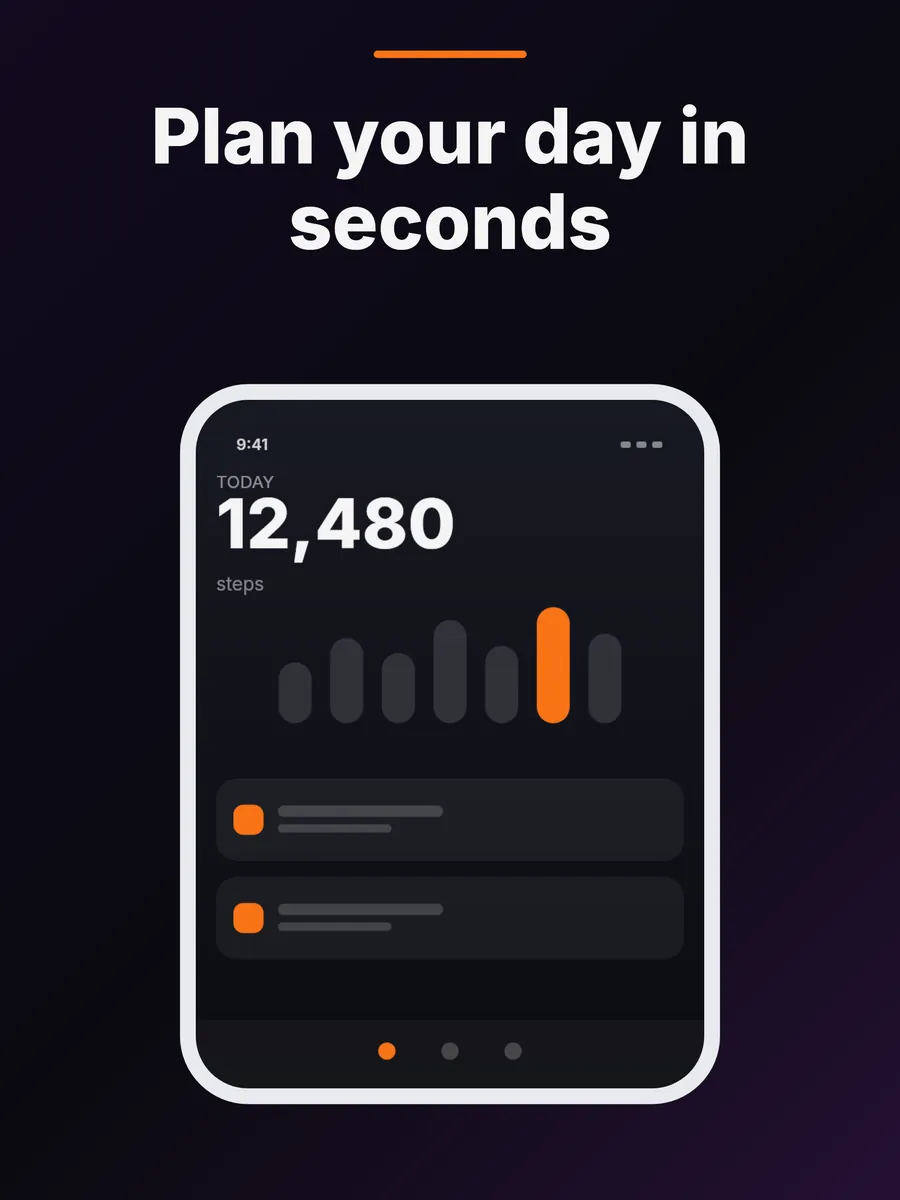
How ScreenCraft designs this size
The canvas is the iPad Pro 13″ (M4) at 2064 × 2752 pixels — the export size itself, so the layout you approve is the layout the store receives. Headlines are measured against their own box before anything exports, and a translated line that no longer fits is shrunk to the legibility floor instead of being clipped at the edge.
Export it from the editor and upload it in the App Store Connect under iPad 13-inch display. One design exports every other App Store size at its own pixels — nothing is rescaled on the way out.
Related App Store sizes
Design this size in ScreenCraft
Start on the iPad Pro 13″ (M4) canvas, lay out your screens once, and export App Store sizes — including this one — as a ZIP.
Try ScreenCraft free